
Special pricing ends in
01:00:00
Relive thousands of classics from Nintendo, PlayStation, Sega, Arcade, Atari, and more — without installing and configuring dozens of different programs.
Try OmniPlay risk-free. If it's not for you, request your refund within the guarantee period.
If you wanted to bring together thousands of classics the traditional way — buying cartridge by cartridge, disc by disc, and console by console — the cost could climb into the tens of thousands of dollars.

As reported by Fox News — this is what real collectors actually pay.
Physical video game collections can reach staggering numbers in the collector market. But there's a much simpler way to get back to playing.
How do you want to play?
Buy, collect, and build your library title by title… or have thousands of classics organized in one place?
You don't need to understand emulation. Every step was built to be fast, automatic, and require zero technical knowledge.
As soon as your payment is confirmed, you automatically receive access to OmniPlay by email.
Download the installer and follow our step-by-step installation guide.
Launch OmniPlay and get your library organized in a single interface.
OmniPlay takes care of all the setup needed to get every system ready to use — no configuring console by console.
Open your library, pick the classic you want to relive, and start playing.
Access more than 7,000+ classic games from 60 consoles through a single OmniPlay account.
Drag through a small slice of the collection — thousands more are waiting once you're in.
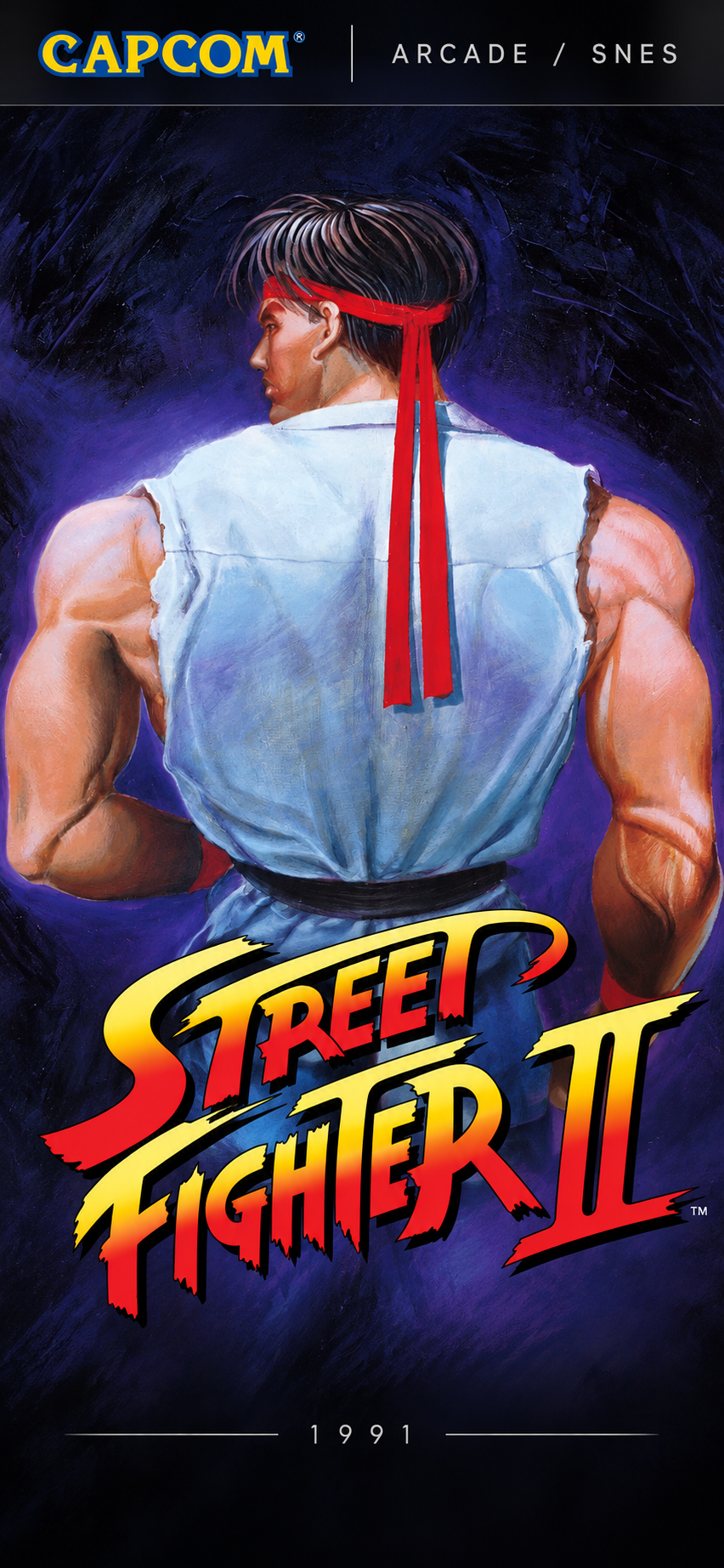
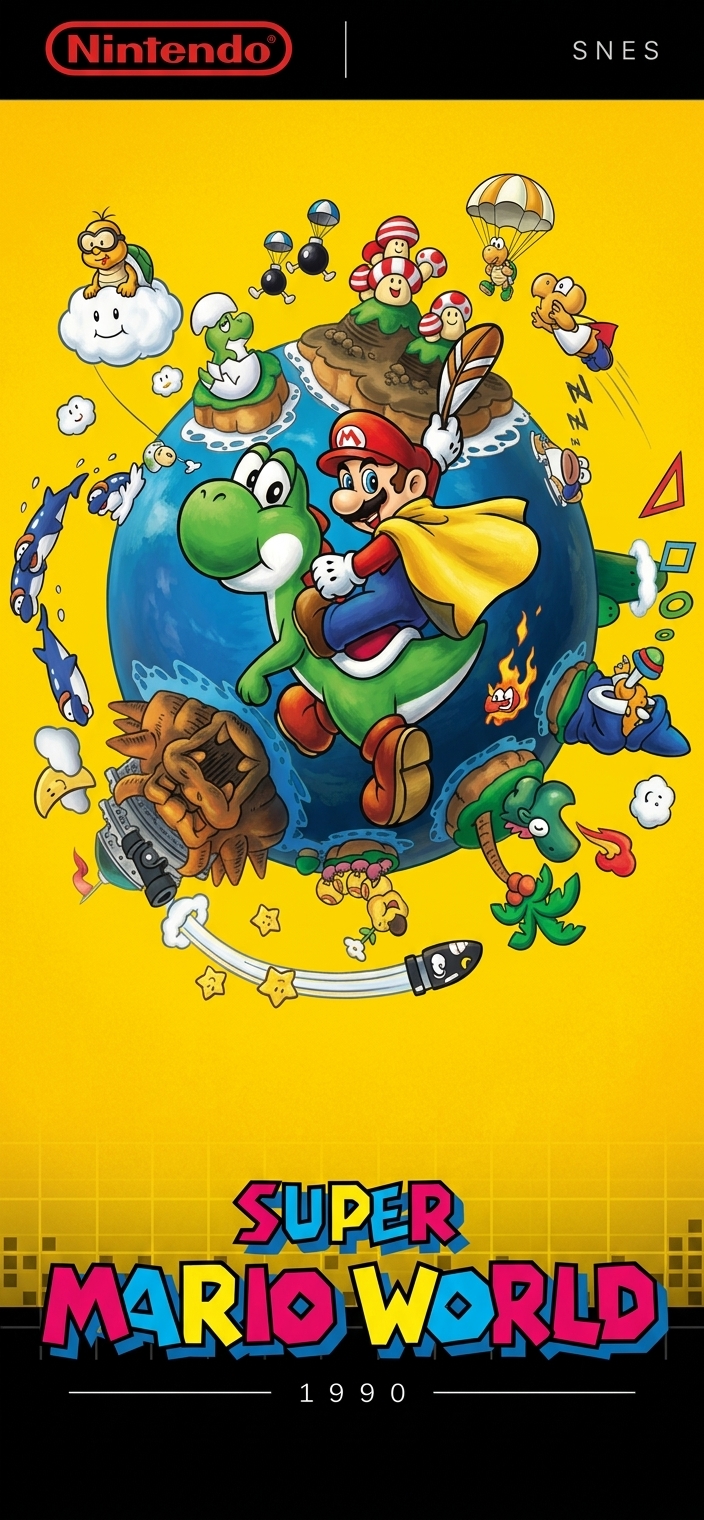

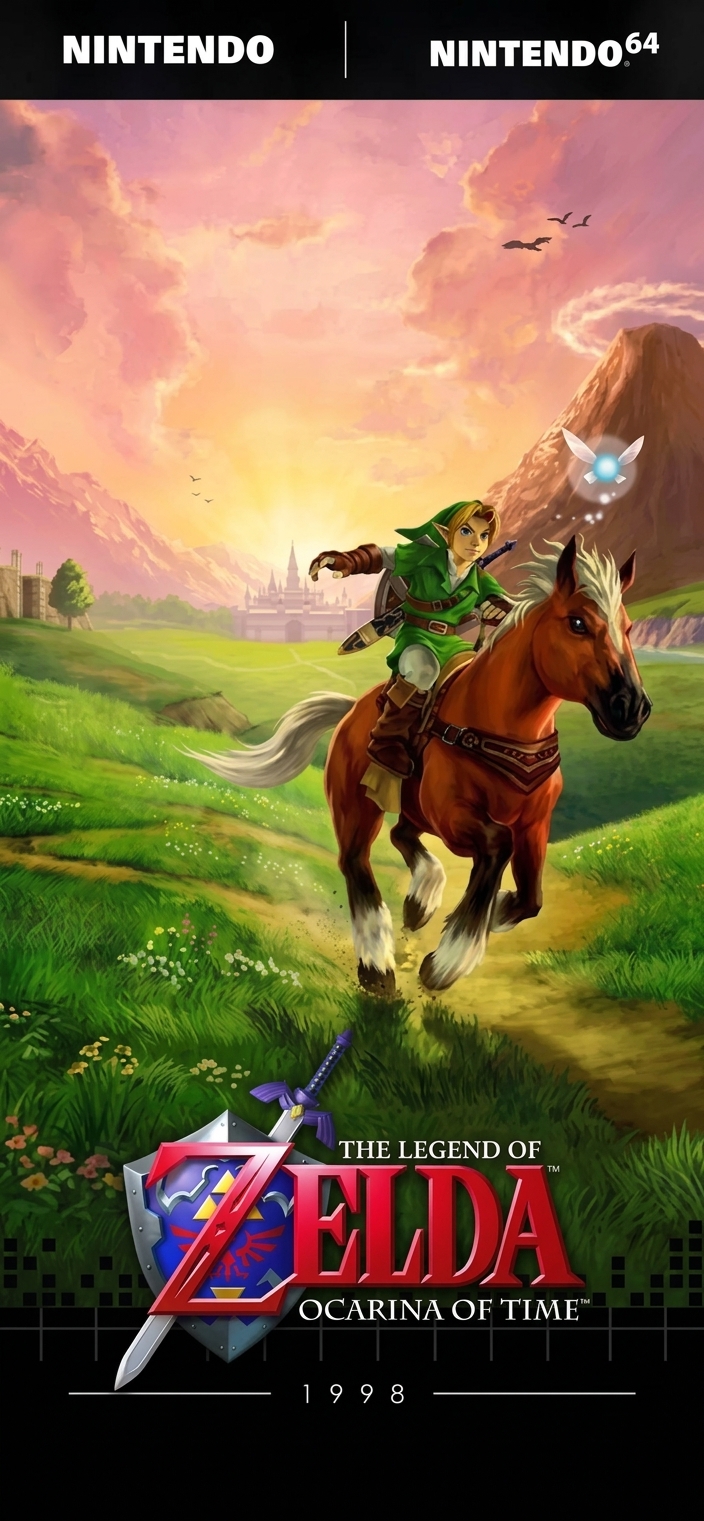
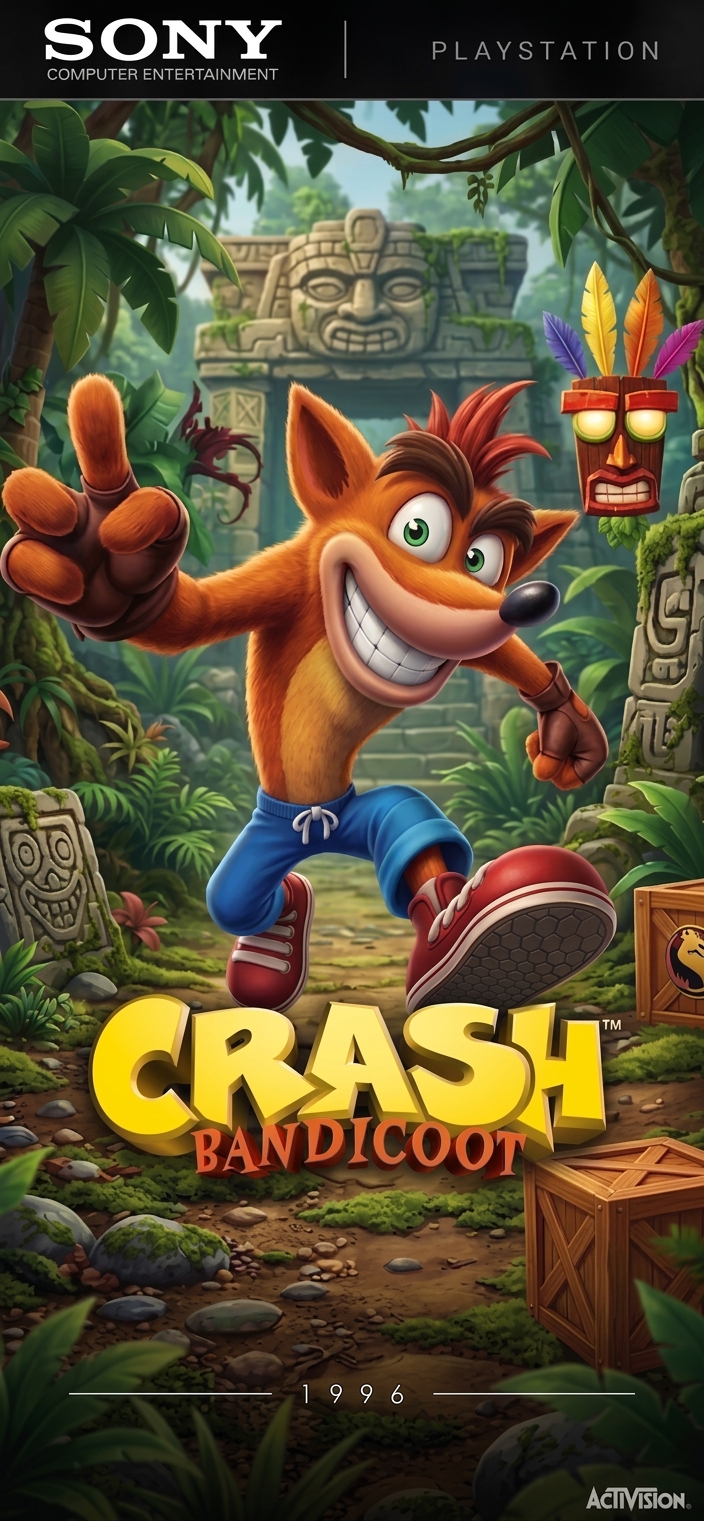
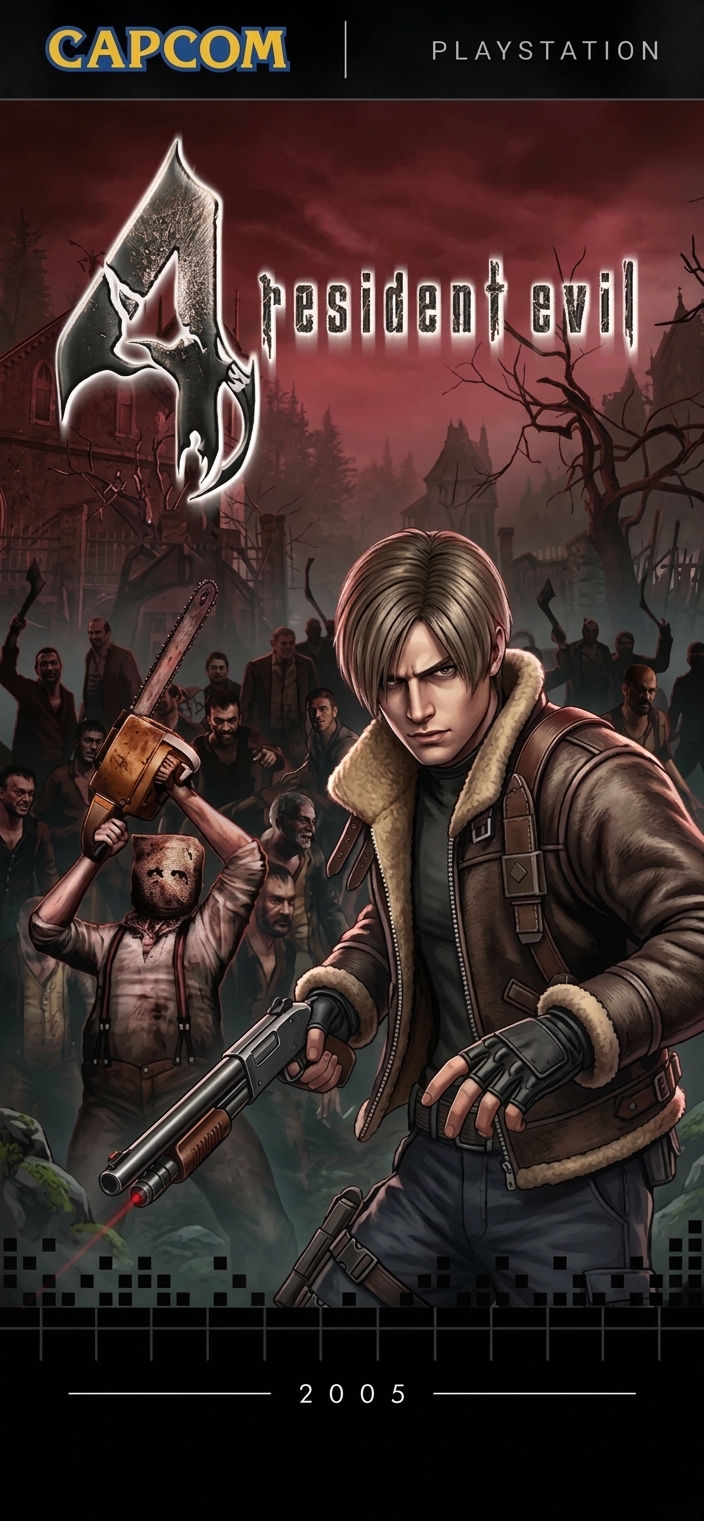
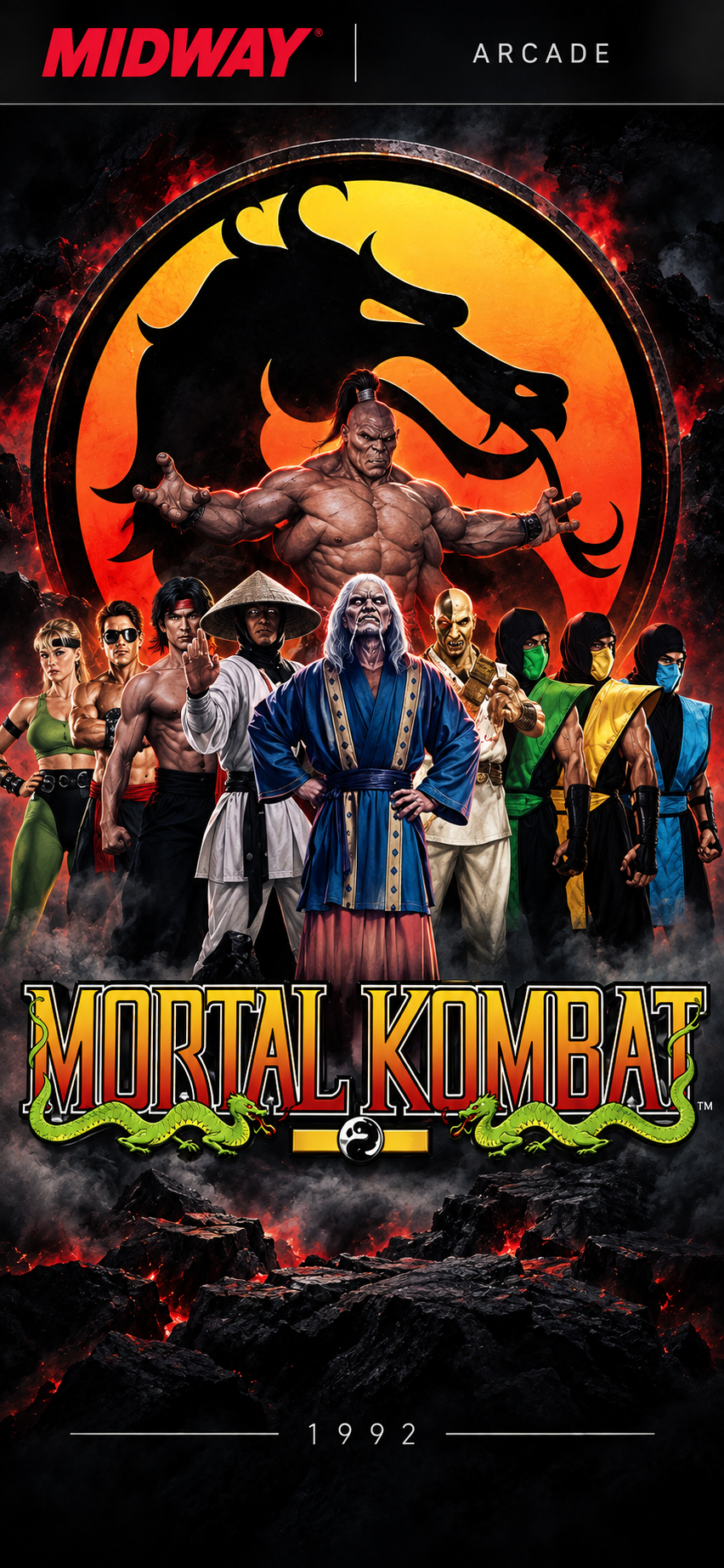

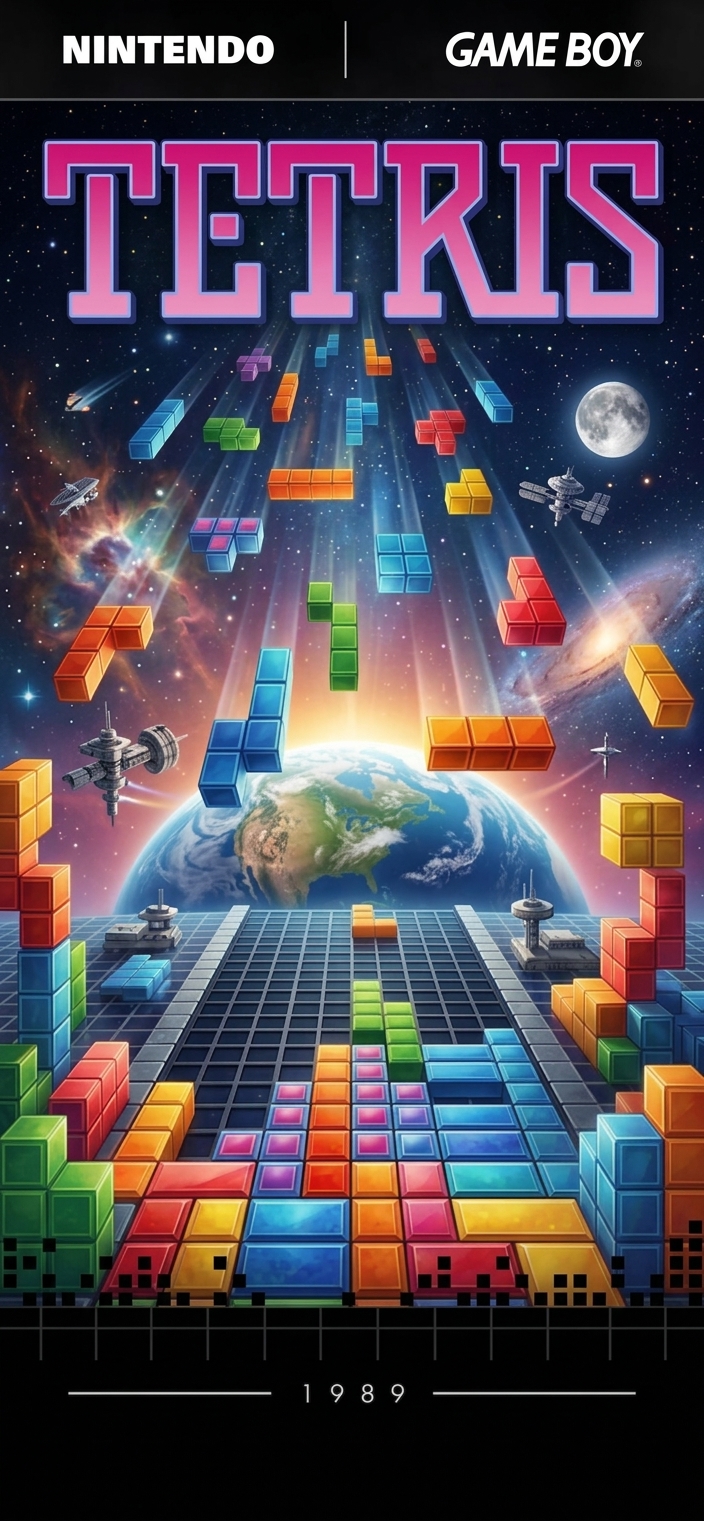
From iconic retro titles to unforgettable PlayStation-era games, OmniPlay brings even more generations of gaming into one library.
Resident Evil 4. GTA: San Andreas. God of War. Metal Gear Solid 3.
And that’s only a small part of what’s waiting for you.
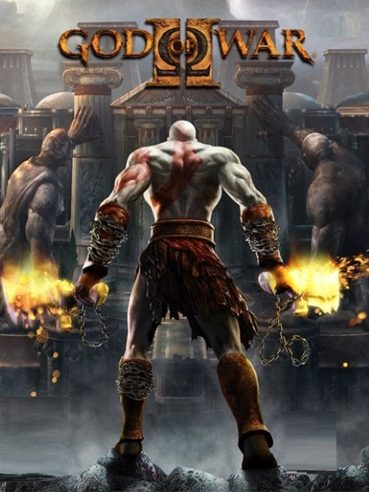
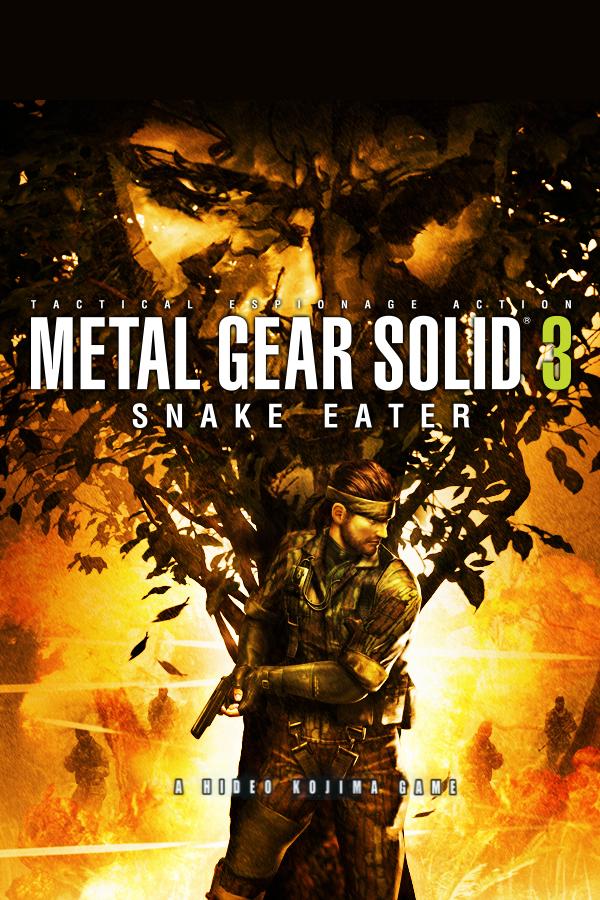

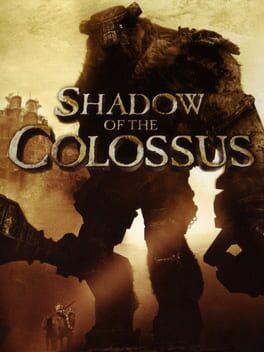


With OmniPlay, you bring entire generations of gaming together in one place.
And dozens of other systems.
60 consoles. One library.
If your computer meets the requirements below, you're ready to get started.
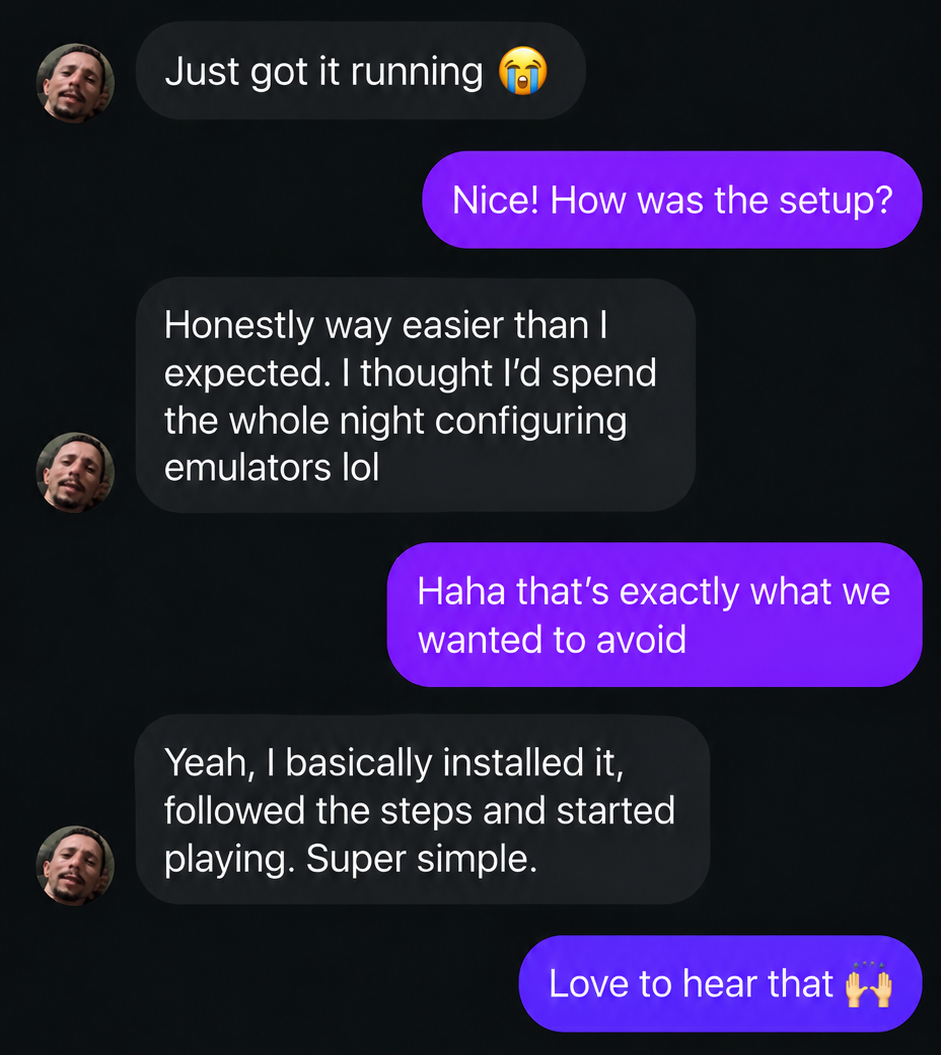
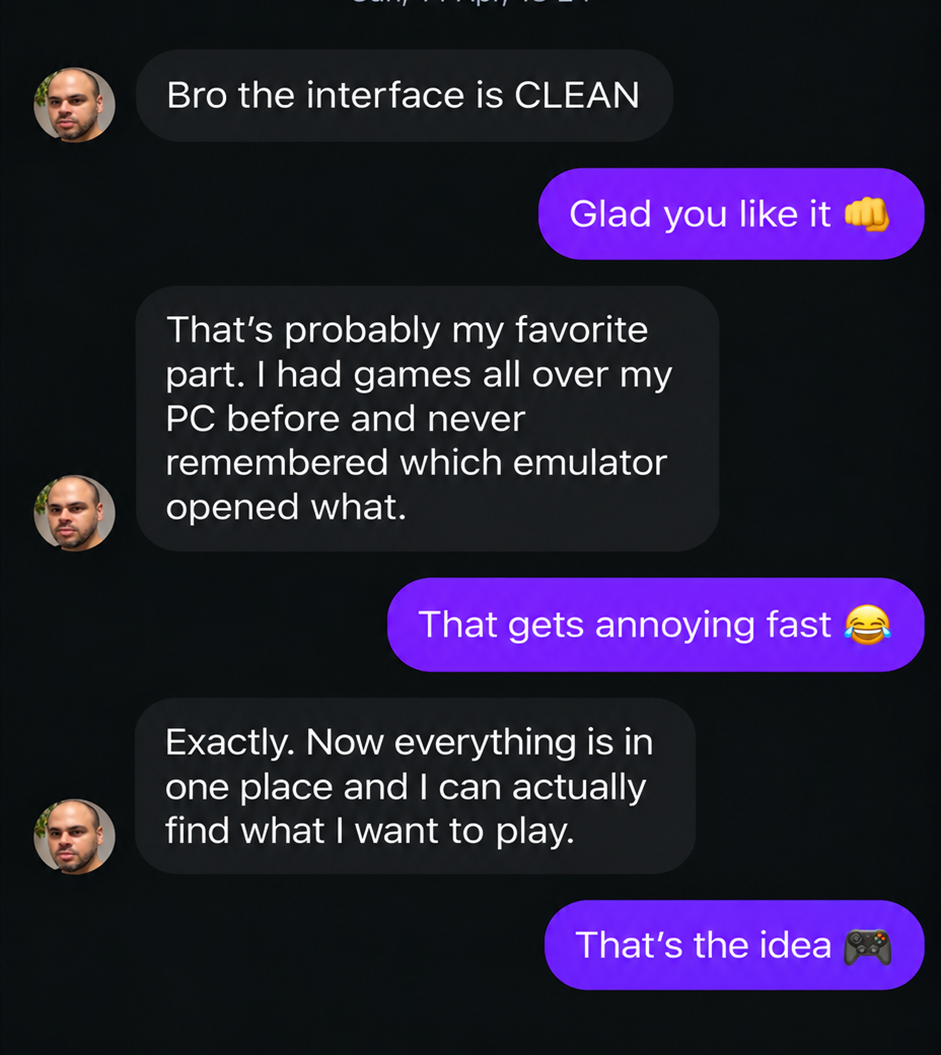
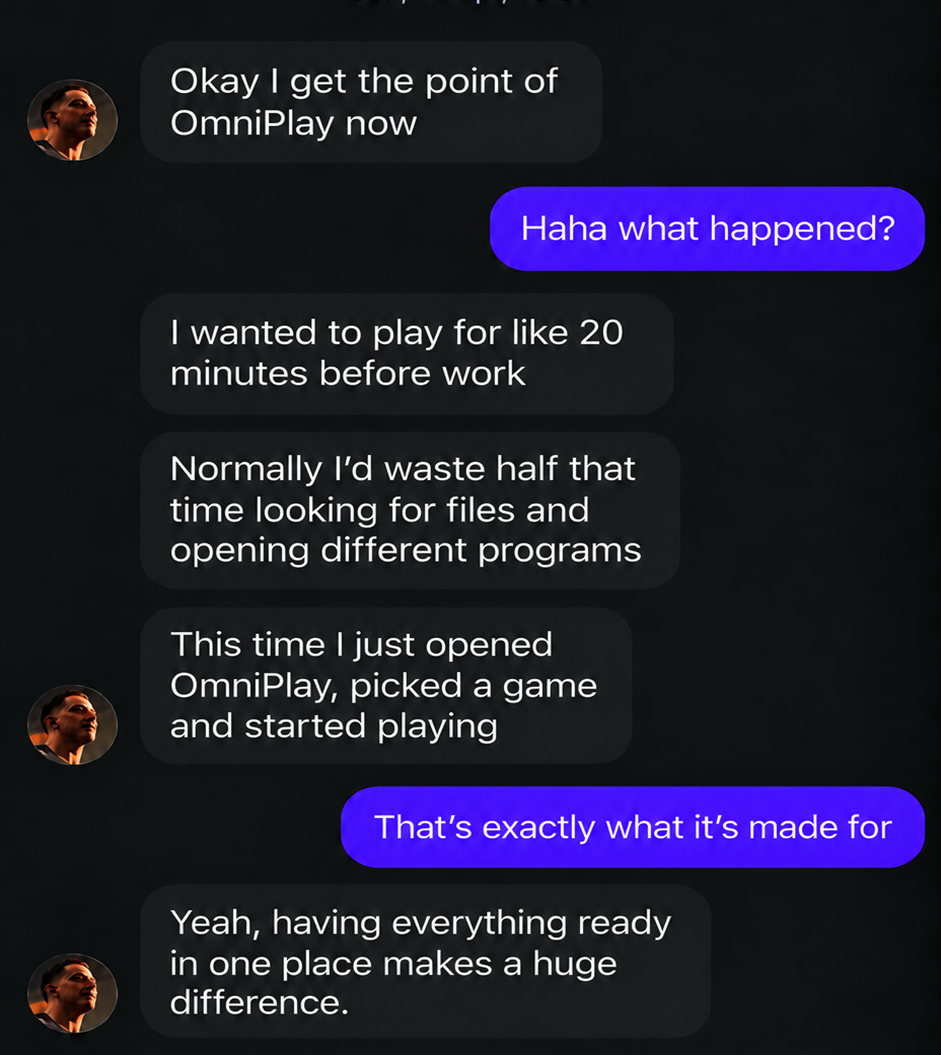
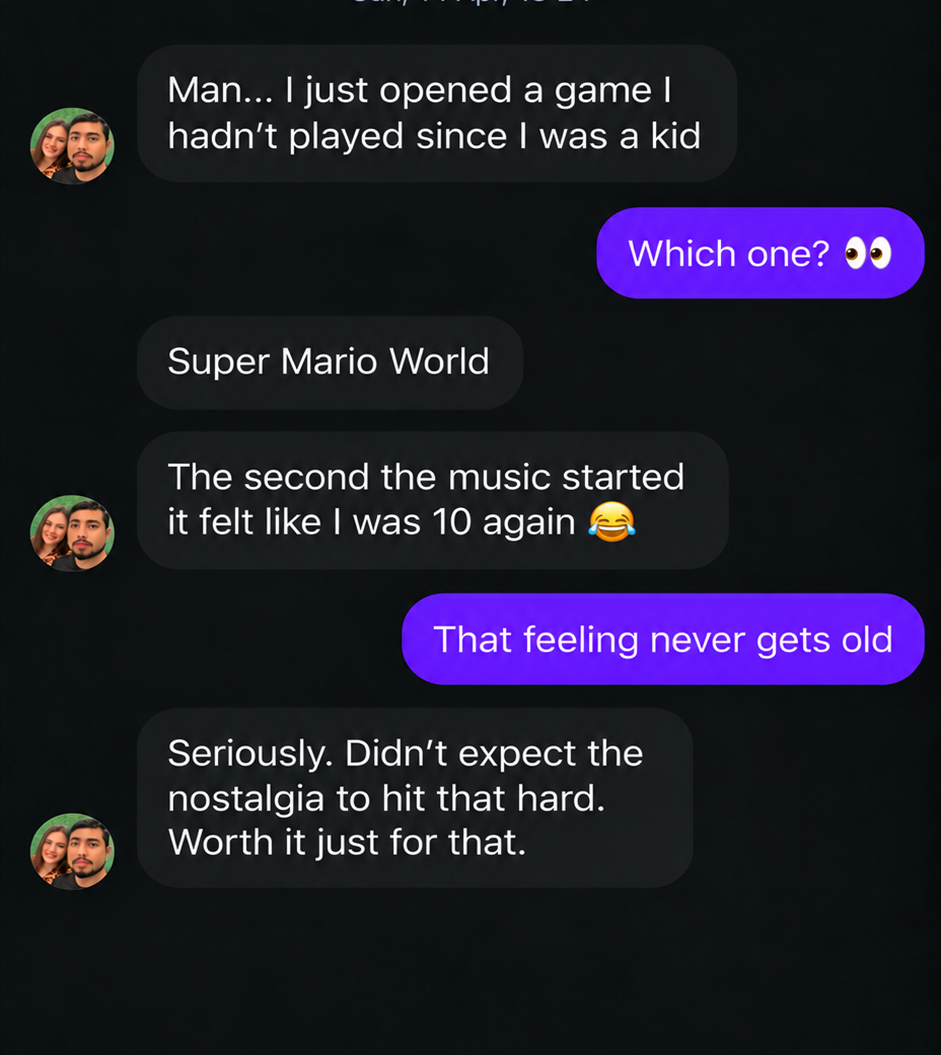
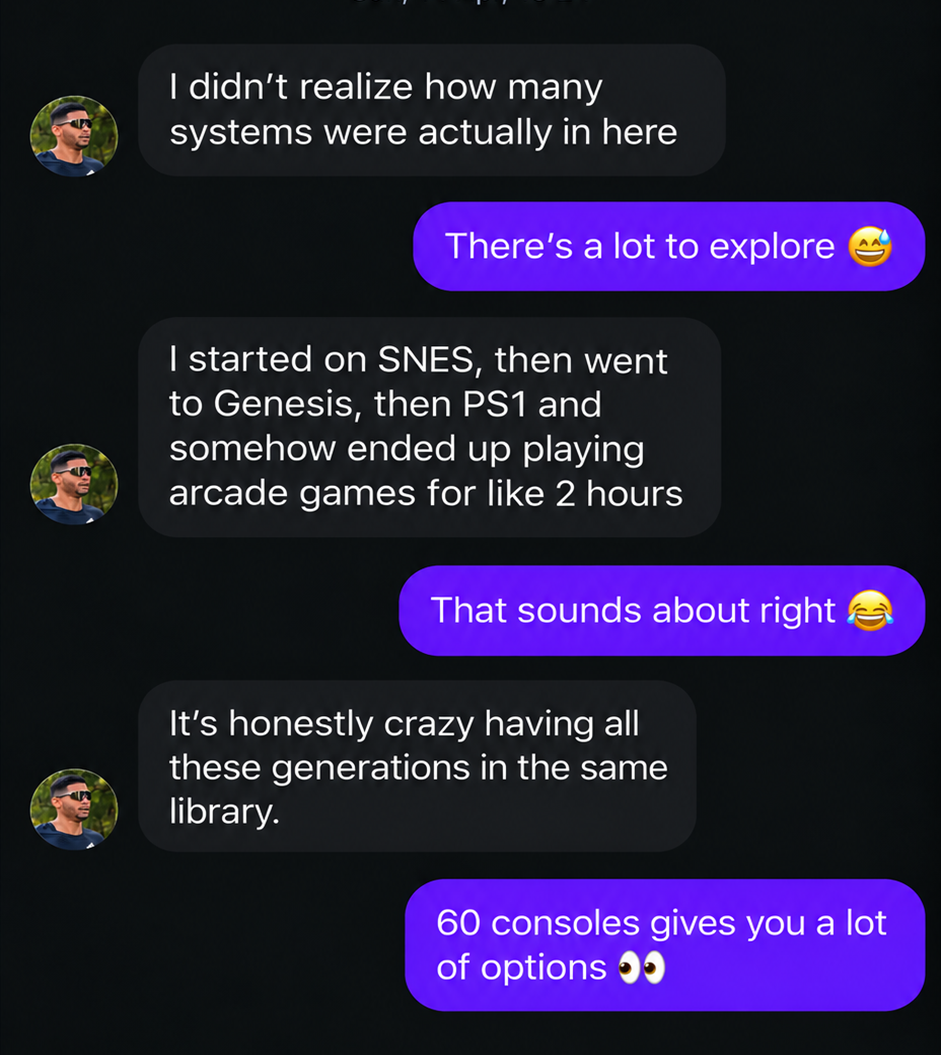
See what our early users are saying about the library, the ease of use, and having everything organized in one place.
Plans that fit your budget, so you can have thousands of games available.
Choose how you'd rather get into OmniPlay.
$118.80 a year. Every year. Forever, until you cancel.
One single purchase to keep your access to OmniPlay — pays for itself in under 5 months vs. Monthly, then it's free for life.
One-Time Payment
No monthly fee.
No renewal.
No new charge showing up every month.
$39.90. One time.
You try it first. Decide later.
Follow the latest news, demos, and everything happening in the OmniPlay universe.
We answer the most common questions below, before you buy.
Immediate access to the OmniPlay library and installer, delivered by email, along with a short setup guide. Everything runs locally on your own PC.
Within minutes of your payment being confirmed — automatically, no manual waiting.
Yes, you can install it on any PC you personally own. Simultaneous use on multiple PCs at the same time isn't supported.
Yes — see the full compatibility list in the System Requirements section above. Xbox controllers and other XInput-based controllers work best.
Yes — you can save at any point in any supported game and resume exactly where you left off.
Yes, once installed, OmniPlay runs fully offline. An internet connection is only needed to download it and future updates.
See the full breakdown in the System Requirements section above — most PCs from the last several years meet the minimum specs.
Yes, the library is updated on a regular basis, and Lifetime members receive every future update at no extra cost.
Your access continues until the end of your current billing period, then ends — you won't be charged again.
Yes, all payments are processed through encrypted, PCI-compliant checkout.
Your choice. Monthly Access is billed at $9.90/month and can be cancelled anytime. Lifetime Access is a single $39.90 payment with no recurring charges, ever.
You're covered by a 7-day money-back guarantee. Reach out to support within that window and we'll issue a full refund.
No. OmniPlay is a standard Windows application — it doesn't modify system files or run hidden background processes.
No, it runs independently and doesn't touch other software installed on your PC.
Your save files and library stay local on your own PC. We don't require access to unrelated personal data to use the product.
You can keep thinking about that game you haven't opened in years.
You can keep telling yourself: "One of these days I'll get everything set up to play it all again."
Or you can open a library with decades of gaming brought together in one place.
7,000+ games · 60 consoles · $39.90, once